
External File Sharing in Microsoft 365 – Are You in Control?
Sharing files externally in Microsoft 365 (OneDrive, SharePoint, Teams) is fast, simple… and often dangerously overlooked.
Most businesses don’t realise this, but external sharing is usually turned on by default - meaning anyone on your team can send company data outside your business in seconds. In many environments, there are no approvals, limited visibility, and little follow-up unless controls are put in place…
And that’s where the risk starts…
External sharing isn’t inherently risky - it’s a critical part of working in a modern society. The risk comes from how it’s managed.
The issue isn’t external sharing itself… It’s the lack of control around it.
Without clear policies, visibility, and regular review, even simple file sharing can quietly introduce long-term security risks.
Why external sharing links are a security problem
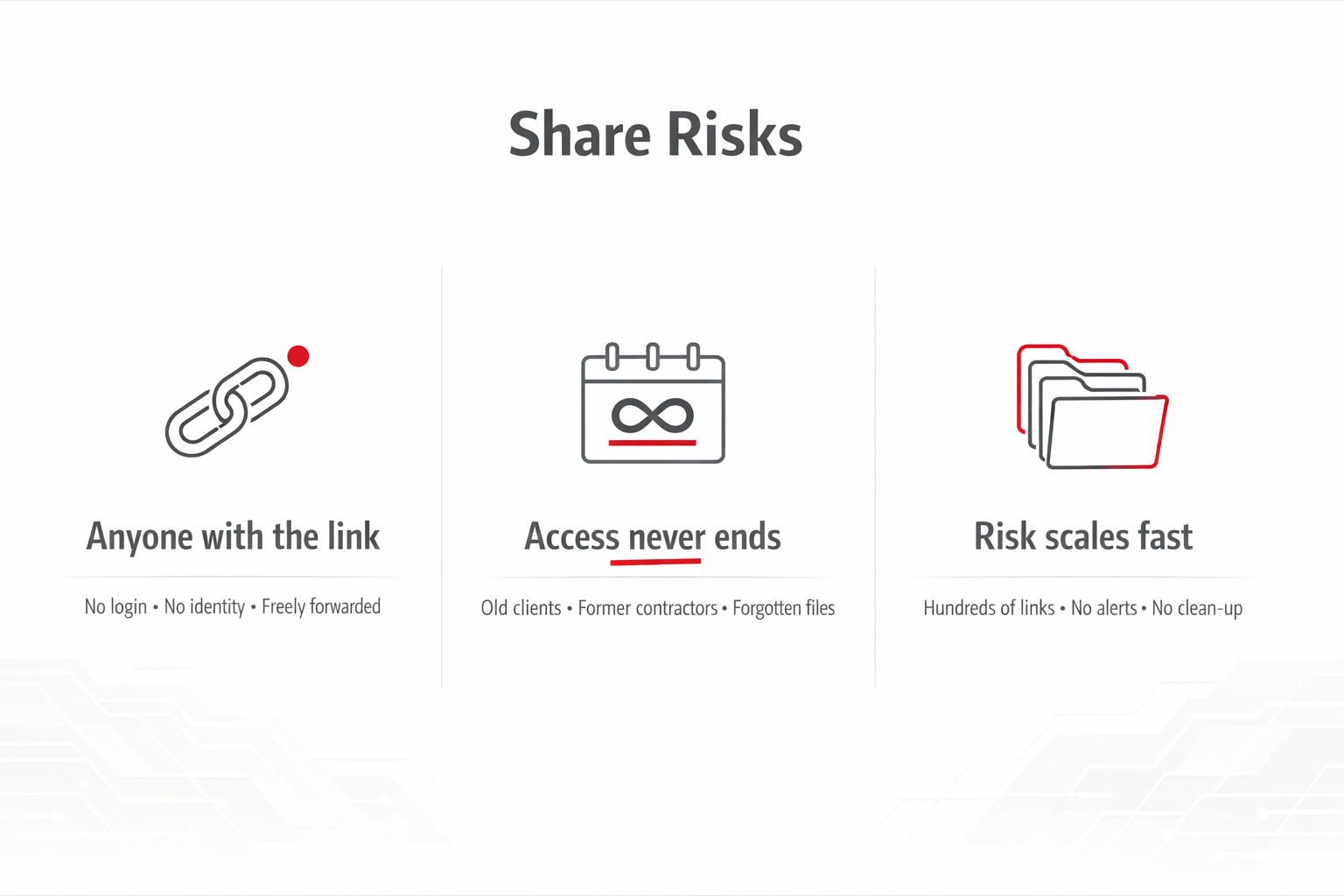
1. “Anyone with the link” = zero control
When a file is shared using an anonymous link:
No login is required
No identity is verified
The link can be forwarded freely
Once it’s sent, you’ve lost visibility over who can access your data
2. Access doesn’t expire (unless you force it)
Most businesses don’t set expiry dates on links.
That means:
Old clients still have access
Former contractors can still open files
Shared documents stay exposed indefinitely
This creates long-term, silent risk.
3. It scales out of control quickly
In real Microsoft 365 environments, we often see:
Hundreds or thousands of shared links
No central visibility
No regular clean-up
In many cases, organisations have hundreds of active external sharing links across its environment - many of which had never been reviewed.
In most cases, no one is actively responsible for reviewing shared content over time.
A real-world example (this happens all the time)
A small business shares a folder with a contractor to get a job done.
Simple.
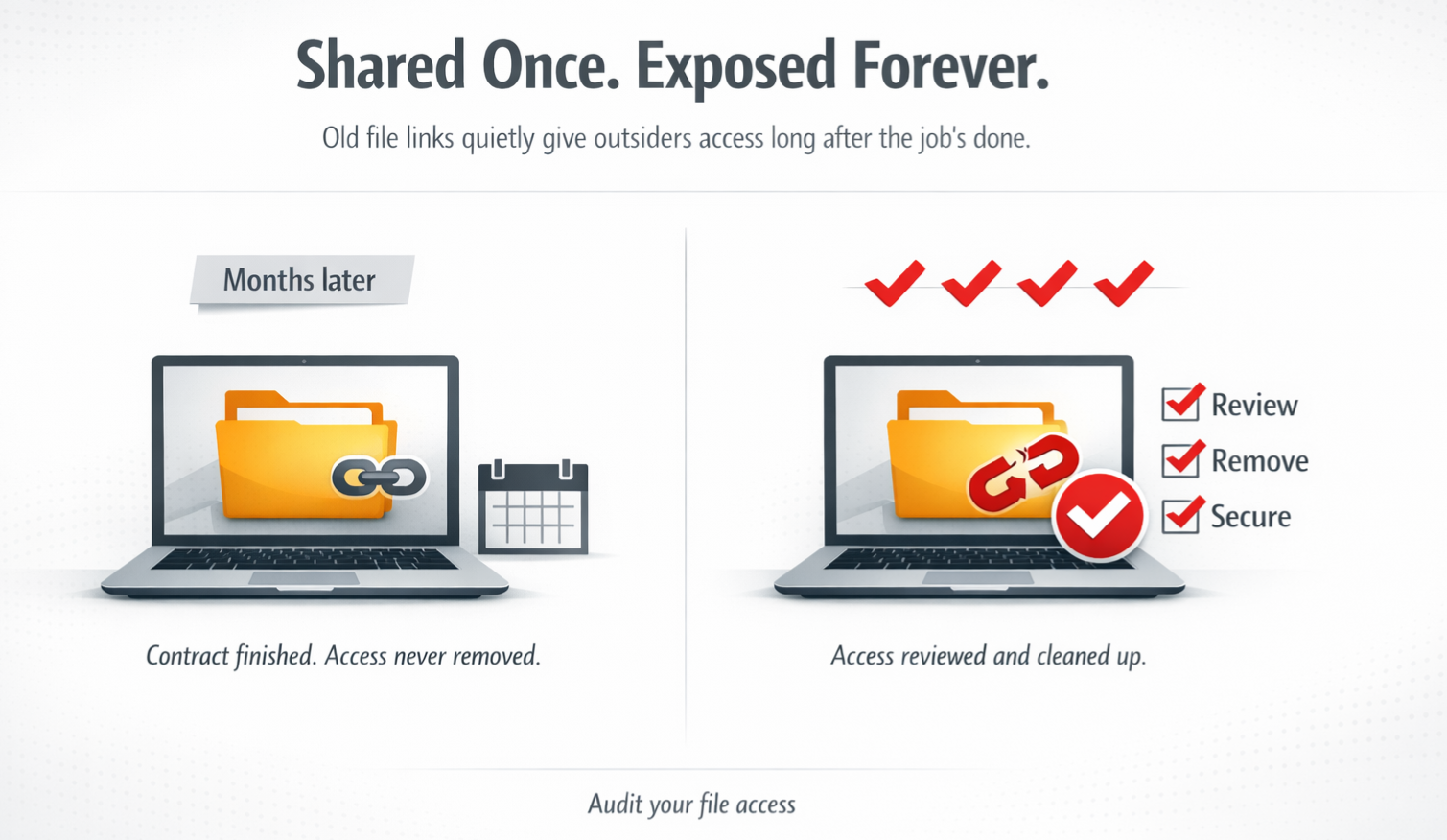
The work finishes
No one removes access
The link stays active
Months later, it’s still live
The contractor forwards it on
No alerts. No warnings. Business as usual.
But behind the scenes, people outside the company still have access to internal files and no one knows.
That’s how most data exposure actually happens:
Not hacking… just normal sharing that was never cleaned up.
Microsoft 365 External Sharing – Recommended Practices
Use “Specific people” links
Requires users to sign in and limits access to named individuals, reducing the risk of links being forwarded. This is the safest default.Restrict or avoid anonymous links
Minimise use of “Anyone with the link.” If needed, apply short expiry periods (e.g. 7–14 days), as these links carry the highest risk.Set link expiration policies
Automatically remove access after a set time to reduce long-term exposure.Use guest access instead of links where possible
Invite external users as guests so you can enforce MFA, apply policies, and keep full audit visibility.Review and clean up regularly
Remove outdated sharing links, review external users, and regularly check what content is exposed externally.
The takeaway
External sharing itself isn’t the problem.
The real risk comes from uncontrolled external sharing. When access isn’t restricted, monitored, or reviewed, it becomes easy for sensitive information to spread further than intended.
If no one is actively reviewing what’s been shared, who has access, and whether it’s still needed, then you’re effectively relying on luck to avoid a security issue.
Want to know what your business is sharing externally?
Most companies are surprised when they see what’s actually exposed.
We can run a Microsoft 365 external sharing audit to show you:
What’s currently shared outside your business
Which links are high-risk
Where sensitive data might be exposed
Get in touch with Computer Clinic and we’ll give you a clear, no-nonsense view of your environment.