
Welcome to our blog

Taking Your Office Overseas? Don't Forget the VPN
Planning to work while travelling overseas? Discover how a VPN helps staff securely access business systems from anywhere, while UniFi Identity simplifies remote access using existing Microsoft accounts. Learn how businesses can reduce Microsoft 365 login headaches, improve security, and make overseas travel easier for employees.
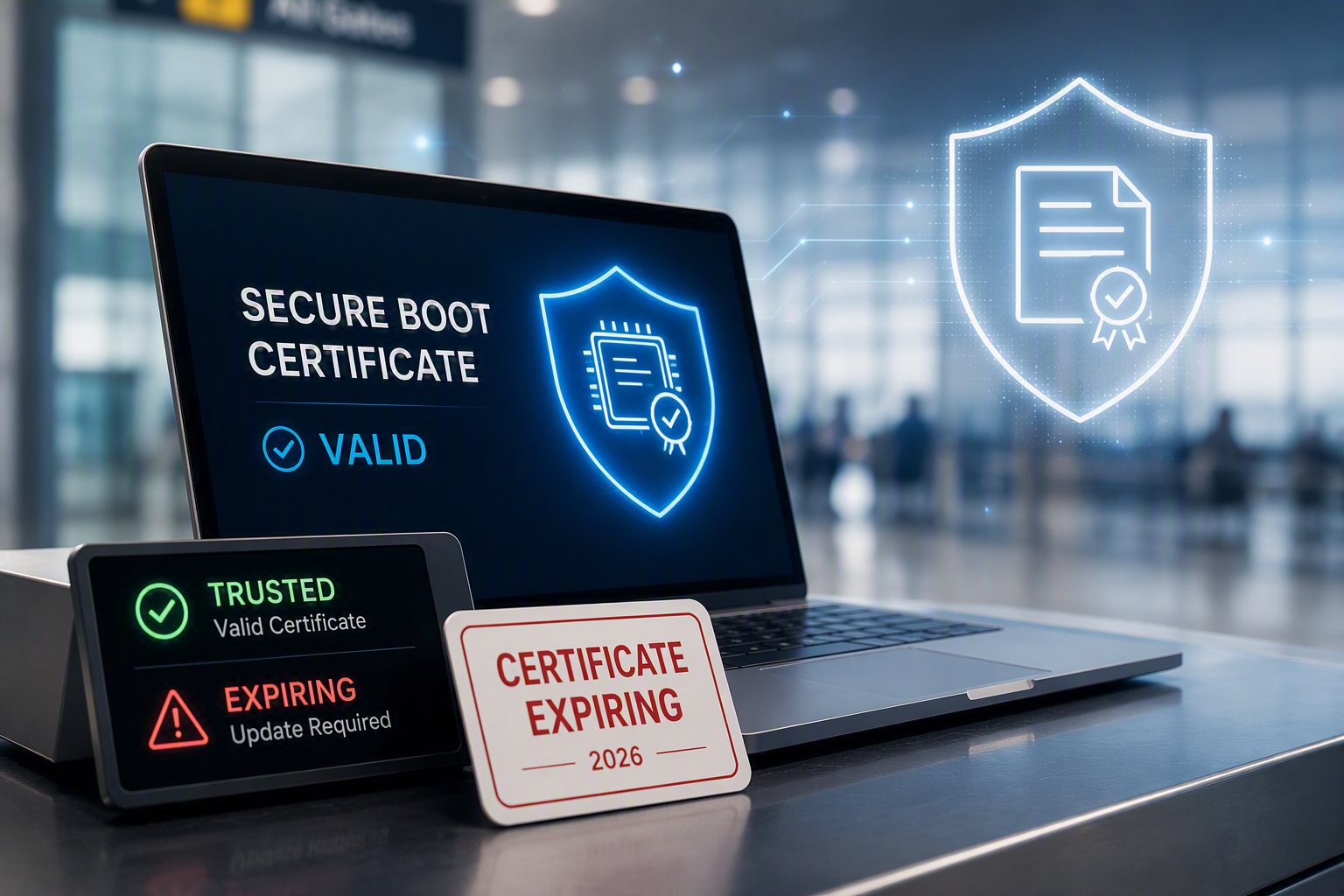
Microsoft's Original 2011 Secure Boot Certificates Are Expiring: Here's What You Need to Know
Microsoft's original Secure Boot certificates, first introduced with Windows 8 in 2011, are beginning to expire in 2026. While most PCs will continue working normally, updating firmware and Secure Boot certificates is important to ensure continued protection against future boot-level security threats. Here's what Windows users need to know.
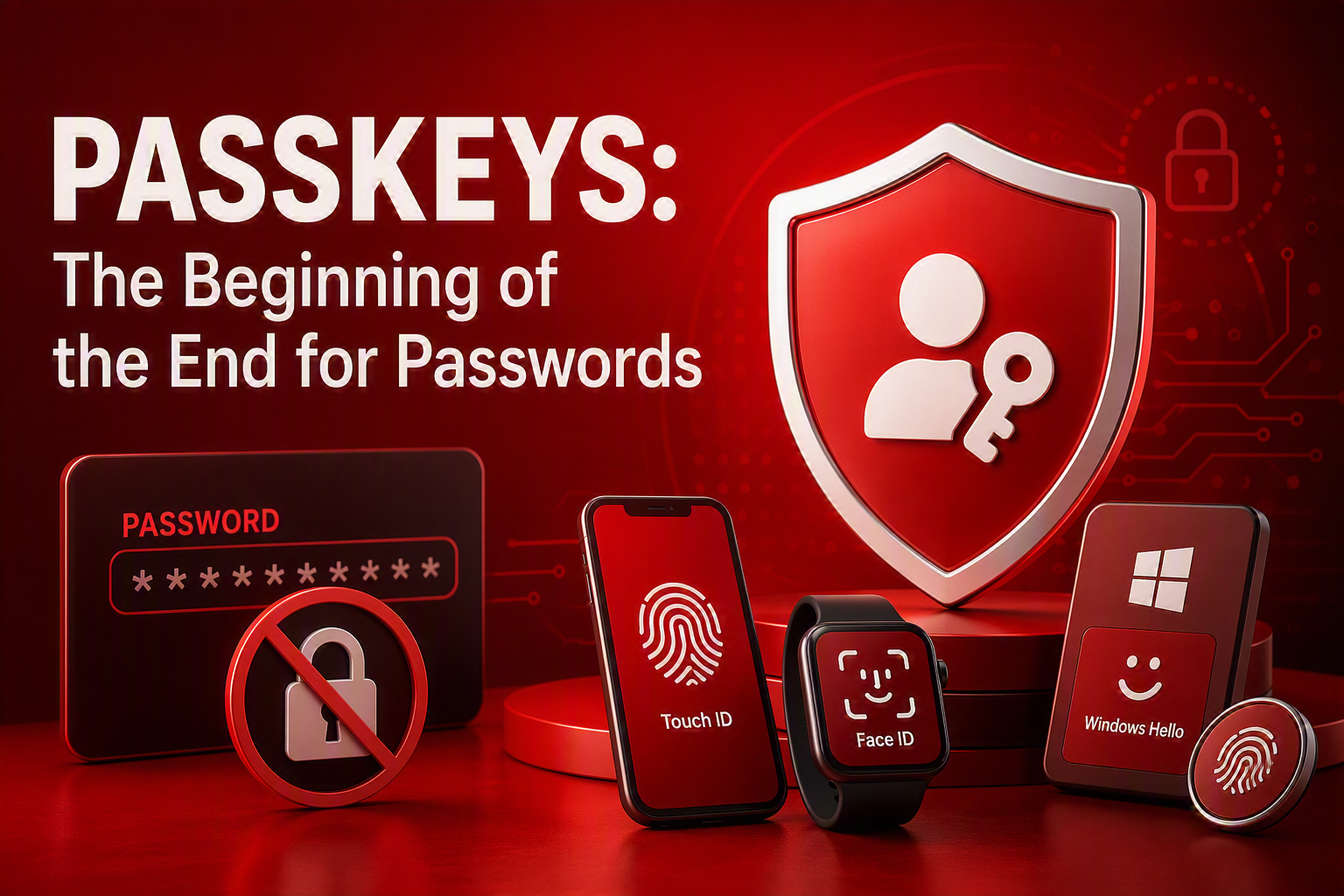
Passkeys: The Beginning of the End for Passwords
Let's be honest - passwords are a bit of a nightmare. Between remembering them, resetting them, and worrying about them being stolen, they're nobody's favourite part of technology. The good news? A new sign-in method called passkeys is starting to change that. Backed by Microsoft, Google, Apple and others, passkeys make logging in both easier and more secure. Here's what they are, how they work, and why they're likely to become the new normal over the next few years.
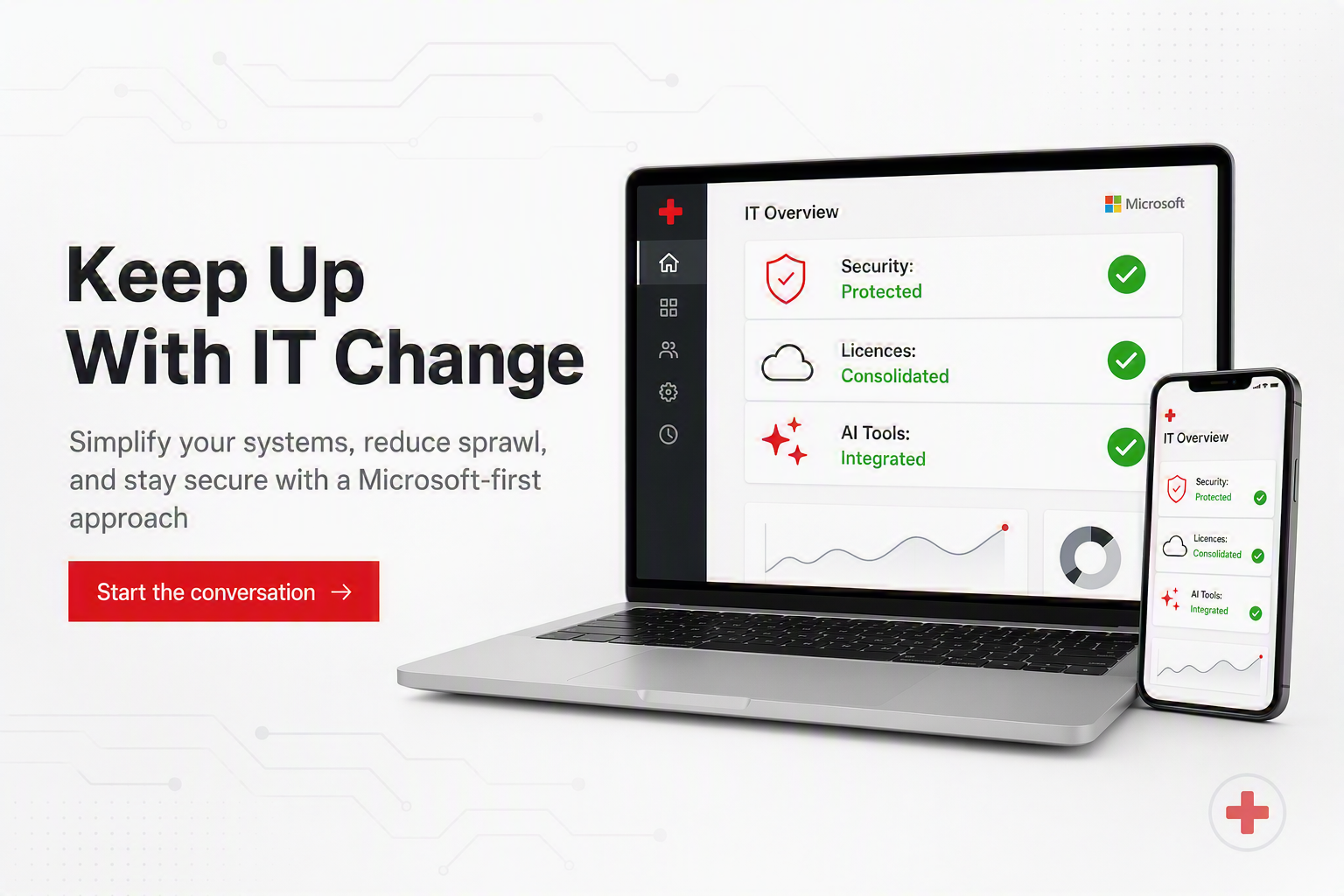
In a fast-changing IT environment, what direction should you take?
Keeping up with today’s fast‑changing IT, especially with AI, can feel overwhelming. We simplify it with a Microsoft‑first approach that reduces complexity, improves security, and keeps everything working together.
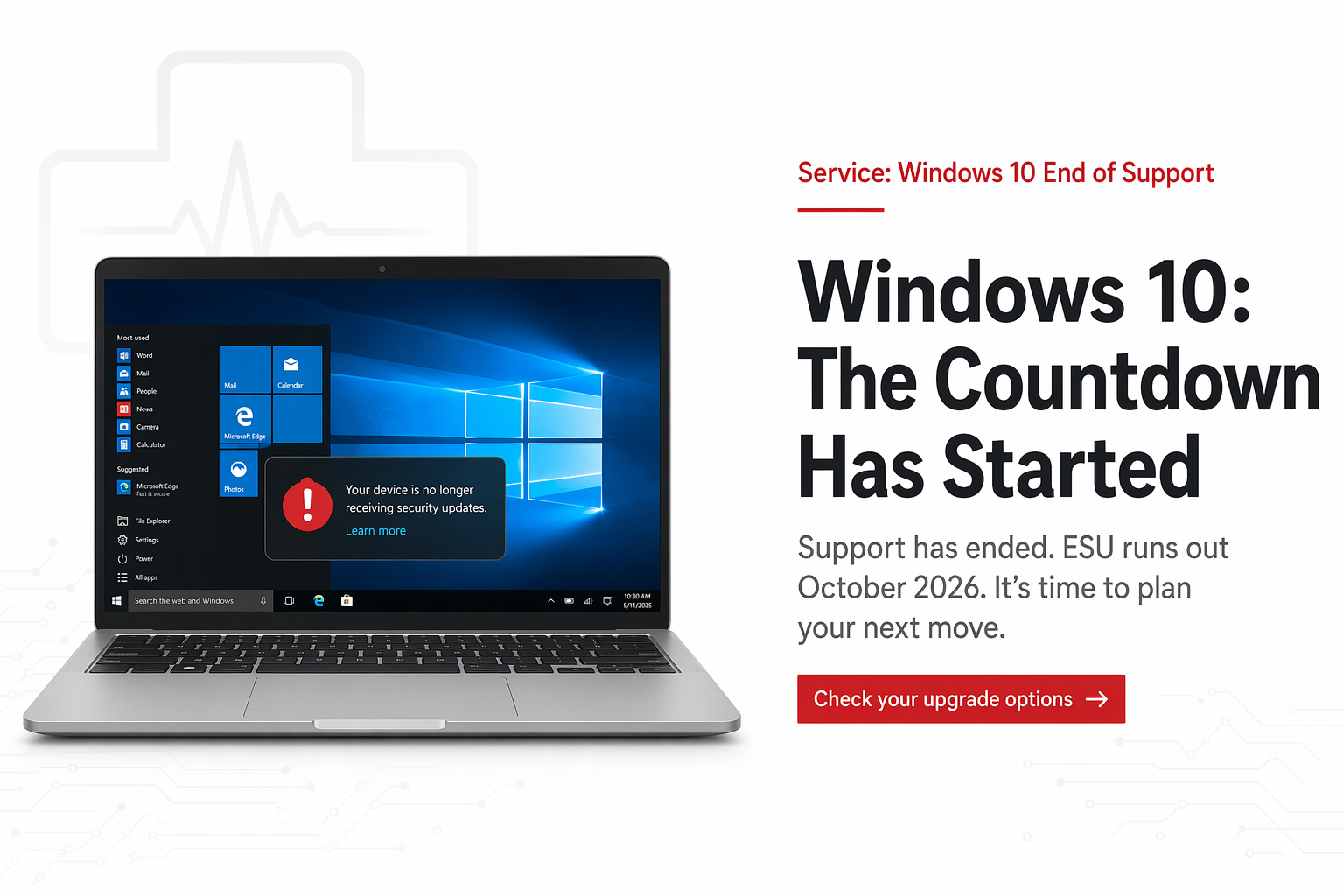
Are you still holding on to Windows 10? It’s time to let go
Still using Windows 10? You’re not alone - but time is running out. With extended support ending in October 2026, now’s the time to understand what happens next and what your options are before your device becomes a real security risk.
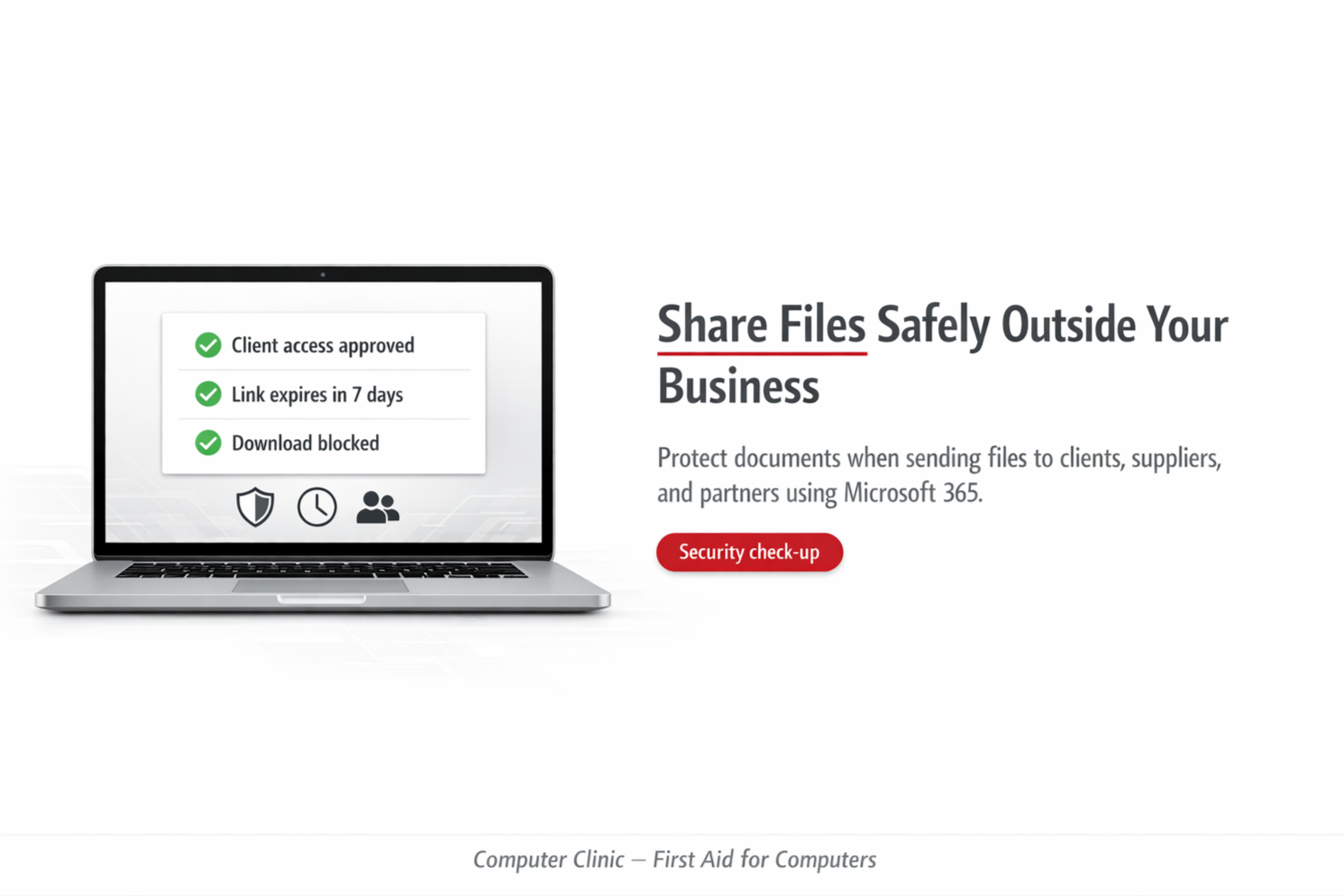
External File Sharing in Microsoft 365 – Are You in Control?
Sharing files externally is part of everyday business… but how much control do you actually have?
Most organisations are surprised when they see what’s really being shared.
Future‑Proof Your Business: Our 2026 Laptop Specifications Explained
Choosing the right business laptop in 2026 is about more than just replacing old hardware - it’s about ensuring reliable performance, strong security, and long‑term value in a modern, cloud‑driven workplace. This guide outlines our 2026 business laptop recommendations based on real‑world use and long‑term support, helping businesses choose devices that stay fast, secure, and supported over a 3–5 year lifecycle. Below, we compare recommended Windows and Mac specifications and explain the key choices that help future‑proof your investment, from platform selection to memory, storage, and warranty considerations.
Why Your Business Is at Risk If You’re Not Using Microsoft 365 Business Premium
Small businesses are now prime targets for cyber‑attacks. Learn why basic Microsoft 365 licences aren’t enough and how Microsoft 365 Business Premium protects your data, emails, staff, and reputation.
The Fastest Way to Expose Your Business: Using the Wrong Browser
Your browser choice can make or break your business’s security. Many people still use Chrome or Firefox out of habit, but these browsers can quietly expose your Microsoft 365 environment to unnecessary risks. Microsoft Edge is the only browser built to work safely and seamlessly with Microsoft 365 - protecting your data, your passwords, and your team with security features other browsers simply don’t have.
Lock It Down: The Importance of BitLocker Encryption
Lost or stolen laptop? BitLocker encrypts your hard drive so no one can access your files without the key. It’s essential for keeping your data safe.

Managed Firewall - Required, not Optional
A managed firewall isn’t optional anymore - it’s essential for safeguarding your network and data.

RAM Shortage in 2026: What do you need to Know
The RAM shortage is more than a global tech story; it’s a local business challenge. Proactive planning is essential. Upgrade strategically and implement cost-saving measures now to stay competitive in 2026 and beyond. We at Computer Clinic are here to help


Proactive Approach to IT Security
Get the information in an understandable format so you can make an informed decision to balance cost versus risk of an International Security framework


Podcast Time - AI in businesses
Let’s talk about the role of Artificial Intelligence (AI) in New Zealand SMEs



Microsoft 365 - Retiring legacy MFA server by 30th Sept and Self -Service Password Reset
Everything you need to know regarding the upcoming MFA updates by Microsoft, and what we need to update on your Microsoft 365 tenancy.

Have a New Outlook on your Email Client
Microsoft is rolling out the New Outlook, replacing the classic desktop app with a faster, more stable version based on its web interface. While most users will benefit, businesses relying on Outlook add-ins should prepare now. Here’s what’s changing — and how to stay ahead.