
Lock It Down: The Importance of BitLocker Encryption
Your first line of defence against data theft - BitLocker.
Data is the lifeblood of modern business and losing it can be catastrophic. With cyber threats on the rise and devices constantly on the move, protecting sensitive information is no longer optional; it’s essential. Enter BitLocker, Microsoft’s built-in encryption tool that locks down your data and keeps it safe from prying eyes. It can prevent offline attacks which are where criminals steal your laptop or even remove the hard drive to access files! Whether you’re an individual safeguarding personal files or an organisation striving for peace of mind, BitLocker ‘scrambles’ your data via encryption to ensure your information stays secure, even if your device is stolen.
What Exactly Is BitLocker?
BitLocker is Microsoft’s full-disk encryption feature designed to protect your data by encrypting entire drives and with our help, storing the decryption key against your Microsoft Business account. It works seamlessly with Trusted Platform Module (TPM) which is hardware built into your motherboard. This adds an extra layer of security that makes it extremely difficult for attackers to get around. BitLocker is trusted by businesses worldwide to keep sensitive information safe.
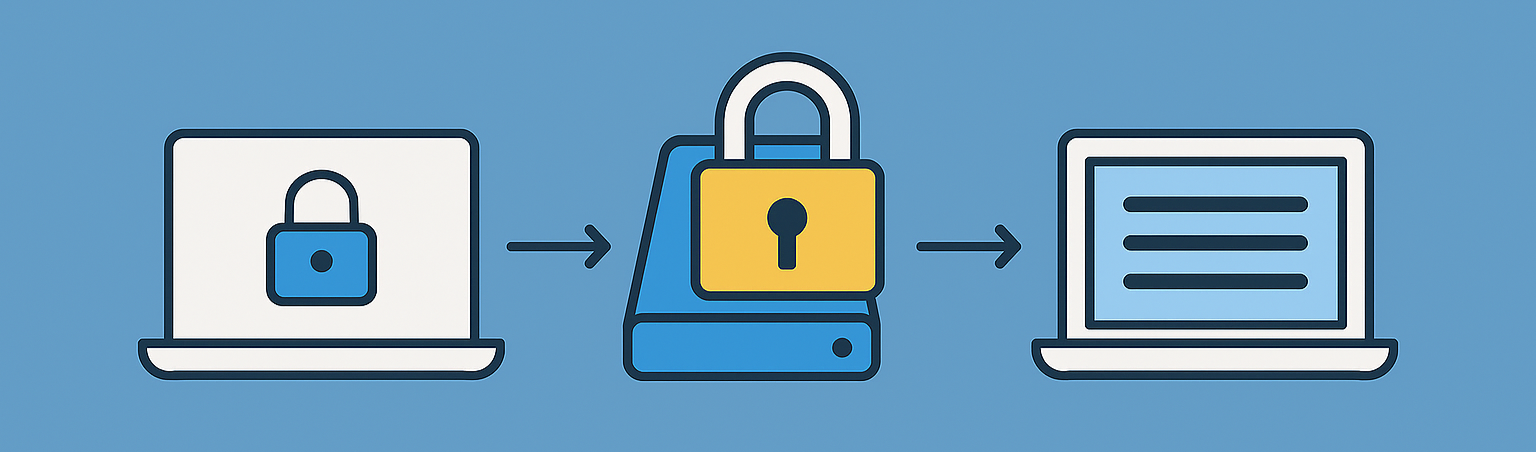
In short: if your device is lost or stolen, BitLocker is like adding a padlock to your hard drive, ensuring your data remains inaccessible without the proper encryption key.
Different Types of BitLocker - Important
The first thing to mention is that Bitlocker is only available in Windows Professional Operating System. If you have a laptop running Windows Home Edition, then there are still options available but if not handled carefully and knowing all the pitfalls, you may end up losing all your data. So our advice is to liaise with us first to avoid a guaranteed disaster down the track!
With Windows Professional, Bitlocker will scramble (encrypt) all your data using a 48 character key (code). This key code needs to be backed up correctly to a centralised area in your Microsoft Business account called Entra ID. Again, it takes us minutes to do this correctly so get us involved, otherwise you may regret this down the track when all your data is unrecoverable.
Once Windows is encrypted with Bitlocker there is an extra measure you can take:
BitLocker Pin on startup of your device - Adds an Extra Layer
The below screenshot shows what your computer will look like when it turns on. This is asking you to enter a Pin number before Windows even starts up! Thus, if someone obtained your device and turned it on, they would be immediately blocked and can’t even use a USB stick to attempt to get around your Windows logon (hack in). We can set this up for you due to the high risk and danger of it being done incorrectly.
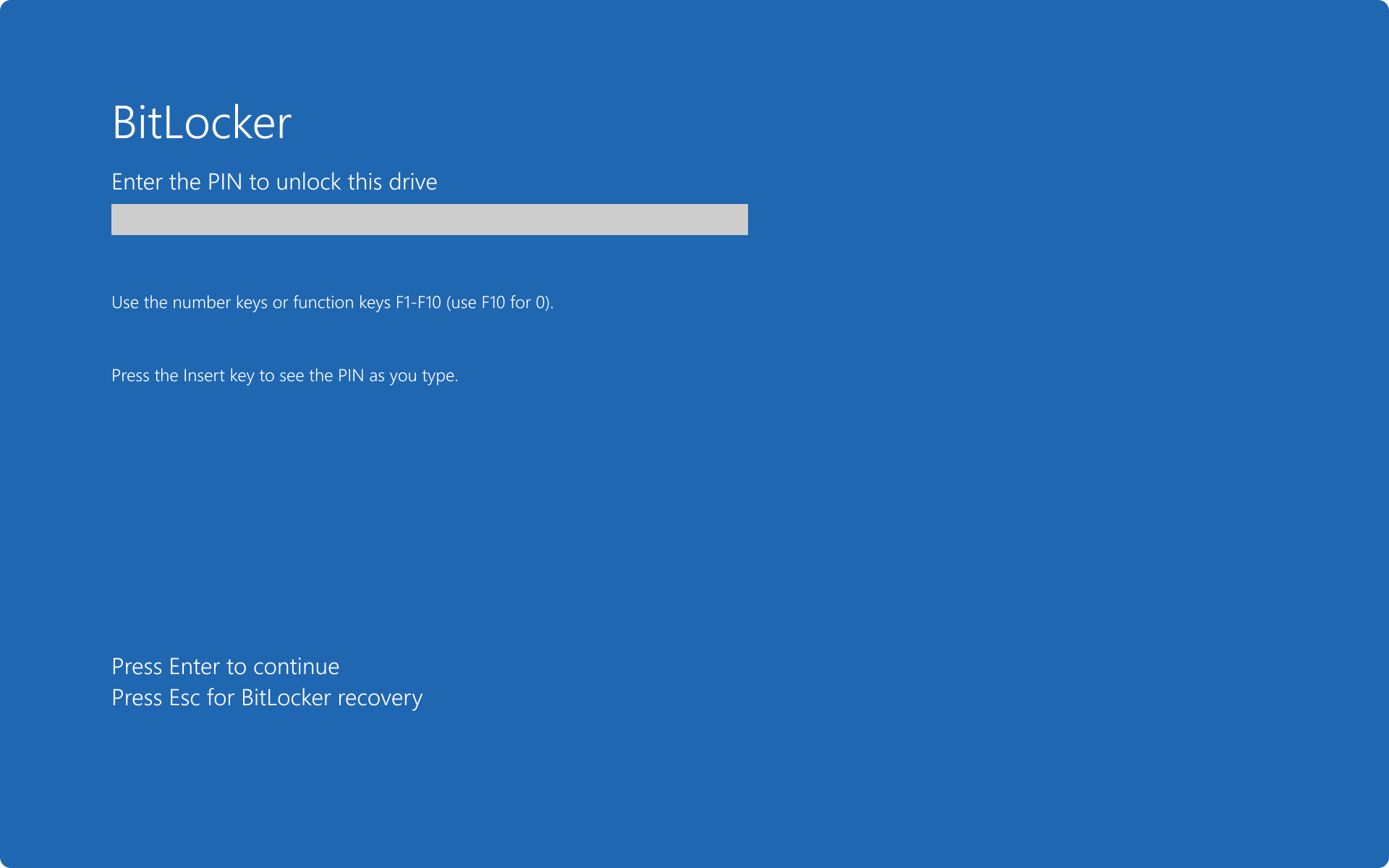
Adding an extra layer of security, is like having an alarm system to turn off, before unlocking your door!
Debunking Common Myths
“Encryption slows down performance.” Modern hardware is optimised for encryption, so the impact is negligible.
“BitLocker is only for big corporations.” Wrong. Individuals and small businesses benefit just as much from BitLocker’s protection.
Final Thoughts
BitLocker isn’t just a feature it’s a necessity in today’s security landscape. By encrypting your drives, you protect sensitive data and reduce the risk of costly breaches.
Setting up Bitlocker correctly provides Centralised Management via integration with a Microsoft Business System for recovery key storage and enterprise control.
Lock it down today because your data deserves the best protection. Book in a free consult to plan the best path forward - Contact us here