
The Fastest Way to Expose Your Business: Using the Wrong Browser
Why Your Business Should Always Use Microsoft Edge Browser if you are using Microsoft 365 systems
If your team uses Microsoft 365 every day the browser they choose matters far more than most people realise. Many staff still log in using Chrome or Firefox simply out of habit. But this small decision can quietly introduce major safety risks for your business.
The truth is simple: Microsoft Edge is the only browser designed to work properly and safely with Microsoft 365 and our articcle below is why that matters. But lets tackle one quick myth - Edge used to be ‘rubbish’ but it is now Chromium based, so effectively Google Chrome under the hood which means speed and compatibility plus fully compatible with all google extensions too!
Why Chrome & Firefox Aren’t Ideal for Microsoft 365
Most people don’t think twice about which browser they use, but in a Microsoft 365 workplace, that choice can have real consequences.
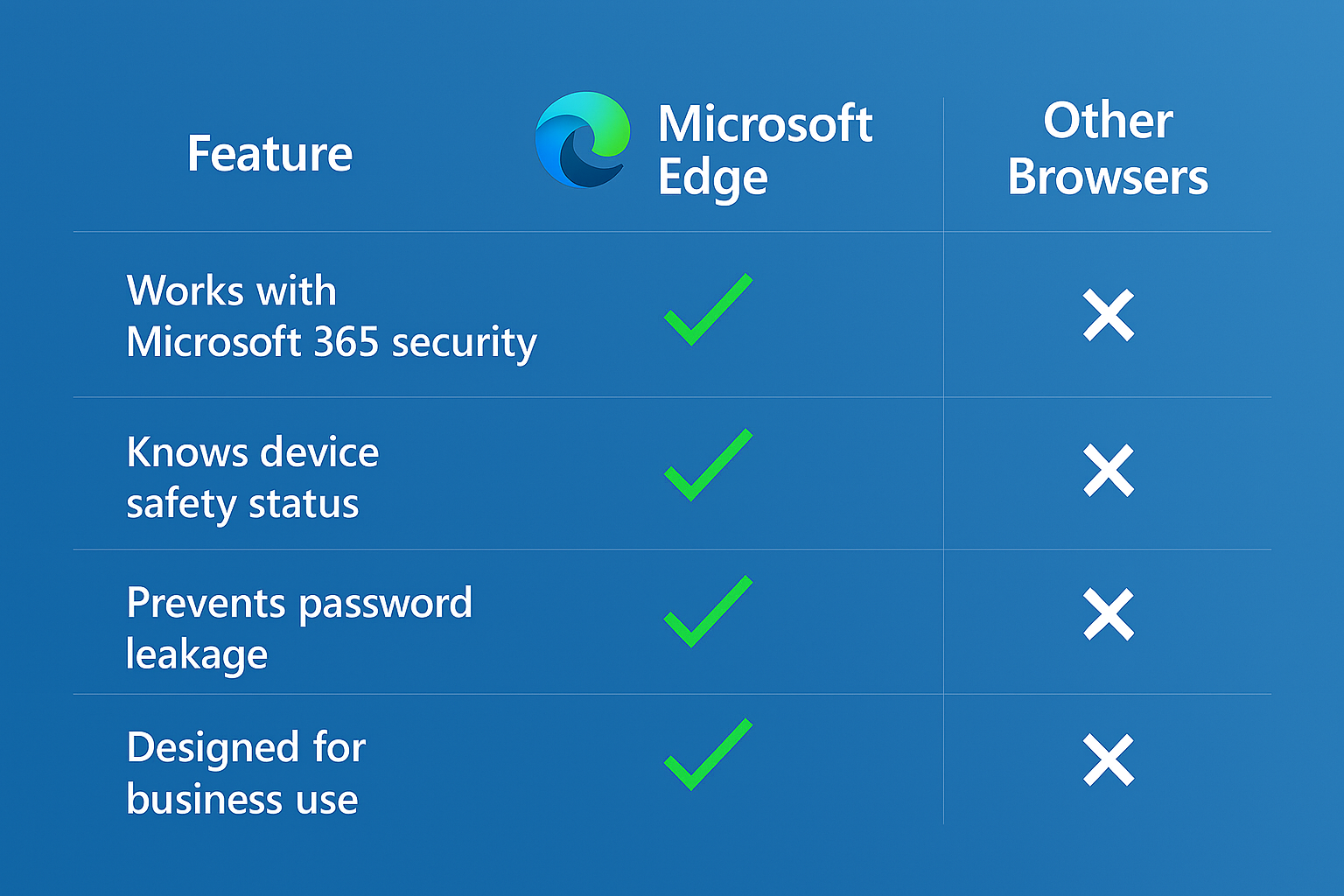
Microsoft Edge integrates will Microsoft’s built‑in safety tools, while other browsers operate more like outsiders. This means Chrome and Firefox can’t provide the same level of protection, awareness, or control when accessing company information.
Edge, on the other hand, can:
recognise whether the person signing in is truly trusted
check whether the device is safe to use
apply your business’s safety rules in the background
confirm that a laptop meets your organisation’s security standards
detect whether a computer is managed by the business
Other browsers simply don’t have these capabilities as they can’t “talk” to Microsoft 365 the way Edge can, which leaves gaps in safety - and those gaps are exactly where problems begin.
Passwords: The Hidden Danger
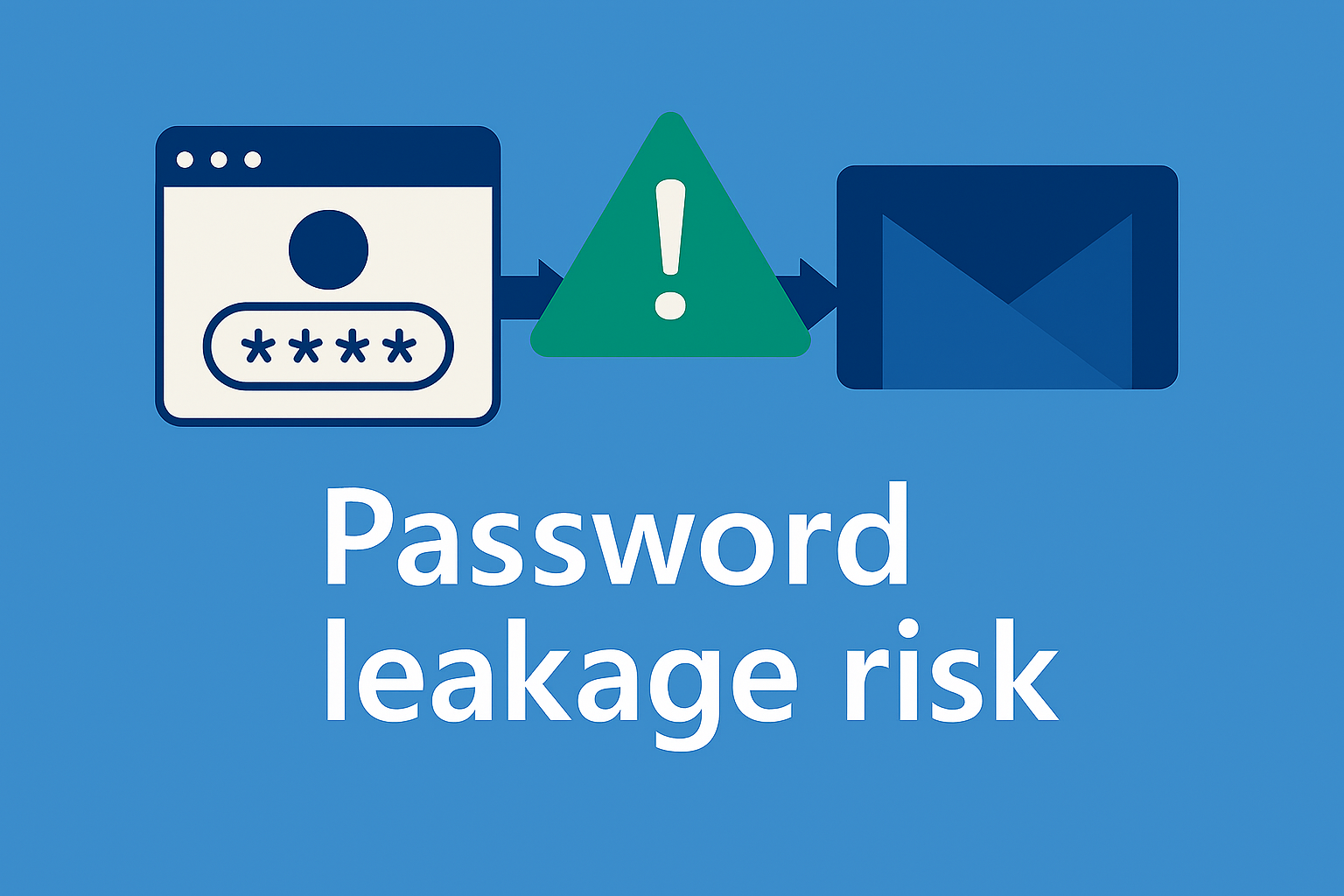
One of the biggest risks comes from storing passwords in ‘other’ browsers and how these are handled.
Many people don’t realise that for example, Chrome syncs saved passwords straight into personal Gmail accounts which are logged into on that browser! Sometimes without the user even realising. This means:
Work passwords end up stored in personal, unmanaged accounts
If that Gmail is hacked, your business is exposed
Whoever accesses that Gmail account on ‘who knows what’ device, have access to all those work passwords and logins
The company has no control over access to those passwords and logins
Even worse, for example, many browsers make it easy for anyone with device access to reveal saved passwords using only a device PIN. Hackers know this - and they can get around this very easily, thus exporting all login information to them for malicious purposes. This is actually why we don’t recommend storing passwords in browsers which leads us into another security topic.
See how to lock down your passwords properly - our Bitwarden article explains how. Click here to find out more.
Why Microsoft Edge Is the Only Browser Built for Microsoft 365
When your staff use Microsoft Edge, your business instantly benefits from a safer and more controlled environment.
All activity automatically goes through your organisation’s protection systems - so everything is being checked, monitored, and kept safe without anyone needing to do anything special.
With Edge:
You can see which devices have signed in
You can track who accessed what and when
Staff automatically follow your organisation’s security settings
All data is routed through a secure, encrypted browser environment
This means fewer risks, fewer surprises, and fewer opportunities for information to leak or be intercepted. Everything just works the way it should.
What You Can Do Today
If your business uses Microsoft 365, here are simple steps to boost safety immediately:
Switch all staff to Microsoft Edge and login using your work account only
Stop storing work passwords in personal browsers
Apply a company policy to enforce safer browser use
Don’t use your work browser for personal items
Don’t use your personal browser for work items
Ensure passwords are managed in a secure business‑approved system, such as Bitwarden
These changes take very little effort but have a huge impact on keeping your data safe.
Protect Your Business Data - Use Microsoft Edge
Microsoft Edge isn’t just another browser. It’s the only browser built to protect your Microsoft 365 environment properly through business integration.
Edge is also chromium based, so it is effectively Google Chrome under the hood with a different front end - you are not losing or missing out on anything!
NEXT STEPS
If you’d like help applying a company‑wide policy, configuring safer browser settings, or locking down password risks, contact us - we can set everything up for you correctly, to best practice.