Taking Your Office Overseas? Don't Forget the VPN
Working Overseas? Make Secure Remote Access Easy with UniFi Identity
Working overseas? A VPN lets you securely access your business systems from anywhere in the world.
Many businesses restrict Microsoft 365 logins to New Zealand, which can create headaches when staff travel.
A VPN can help reduce the need for constant conditional access exceptions and last-minute IT changes.
UniFi Identity's One-Click VPN makes connecting simple using the same Microsoft account staff already use.
Less setup, fewer passwords, and fewer calls to get it sorted.
If your business already uses compatible UniFi networking hardware, UniFi Identity can make secure remote access much easier to manage.
In short: If you or your staff regularly travel overseas, a VPN can make remote access simpler and far less frustrating.
Why You Need a VPN When Travelling
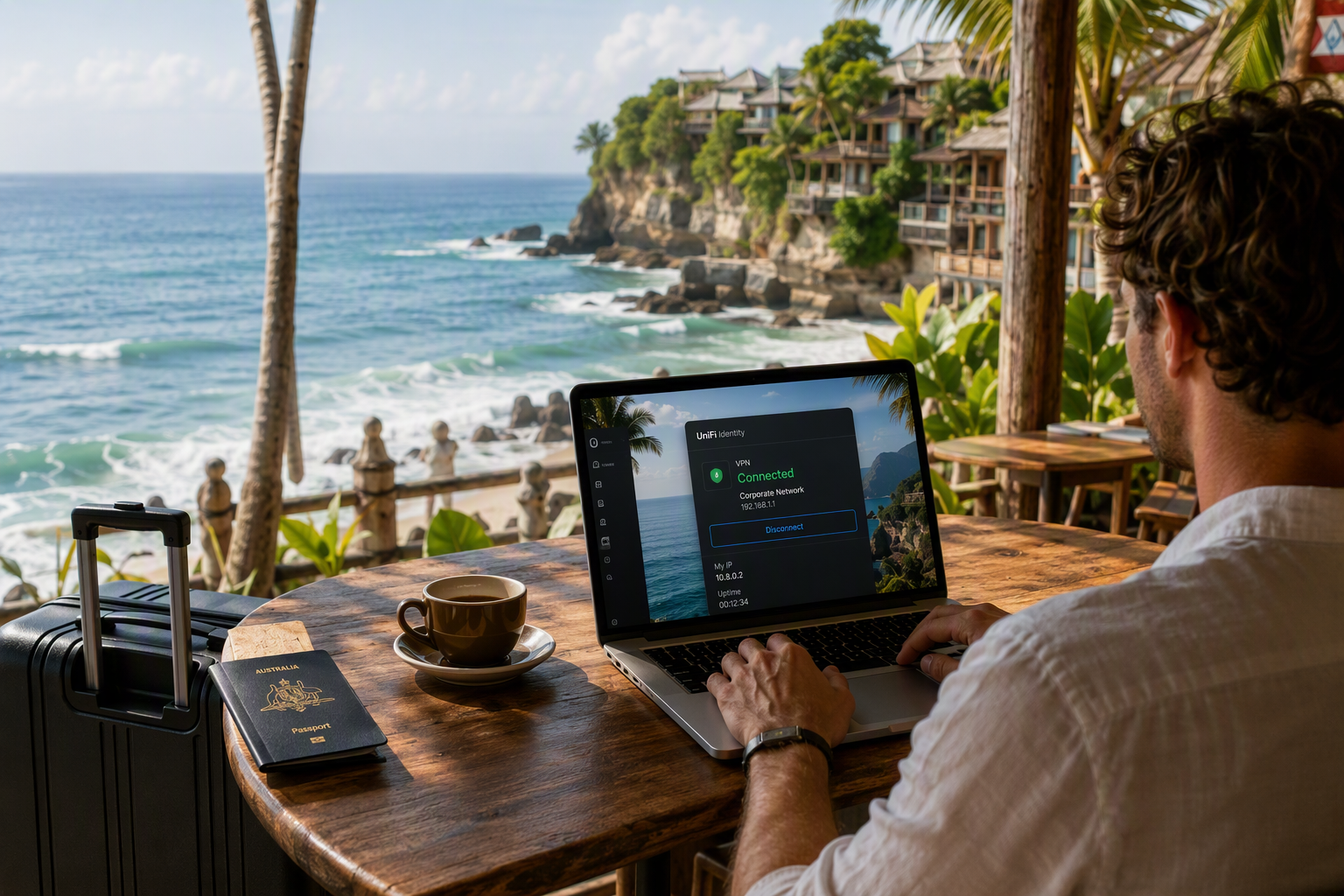
Working remotely from overseas is becoming increasingly common. Whether you're checking emails from a café in Bali, travelling around Europe, or spending a few weeks across the Tasman, you'll still need secure access to your business systems.
When we're helping clients prepare for overseas travel, one of the first things we look at is how they'll access company resources securely.
A VPN creates a secure connection back to your office network, allowing you to access files, applications, and systems much like you would if you were sitting at your desk back in New Zealand. Think of it as giving your laptop a secure pathway back to the office, no matter where in the world, you're connecting from.
The Challenge Many Businesses Face
A common security measure we implement for clients is restricting Microsoft 365 logins to New Zealand. It's an effective way of reducing the risk of suspicious overseas login attempts and helping protect business accounts.
The challenge comes when staff start travelling.
Suddenly someone needs access from Australia, Singapore, or Europe, which often means creating temporary conditional access exceptions, adjusting policies, and remembering to remove those changes when the user returns home.
If travel plans change, flights get extended, or someone decides to work remotely a little longer than expected, those temporary exceptions can quickly become another thing to manage, costing both time and money.
The Problem with Traditional VPNs
Unfortunately, VPNs haven't always been known for being user-friendly.
We've seen plenty of situations where users are juggling extra passwords, following lengthy setup instructions, or trying to connect from an airport lounge only to discover something isn't working as expected.
For businesses, that often results in additional support requests and unnecessary administration. For users, it's simply frustrating.
Enter UniFi Identity
This is where UniFi Identity can make life considerably easier.
For businesses already using compatible UniFi networking hardware, UniFi Identity offers a simple way to provide secure remote access without many of the traditional VPN headaches.
Instead of managing separate VPN accounts, staff can use the same Microsoft login they're already familiar with. That means fewer passwords, less setup, and a much smoother experience for end users.
For business owners, it also means less administration and fewer support requests.
Not using UniFi equipment yet? Computer Clinic can supply and manage UniFi firewalls, networking, and security solutions, giving you a secure, fully supported foundation for remote access and day-to-day business operations.
One-Click VPN for Travellers
One of our favourite features is UniFi's One-Click VPN.
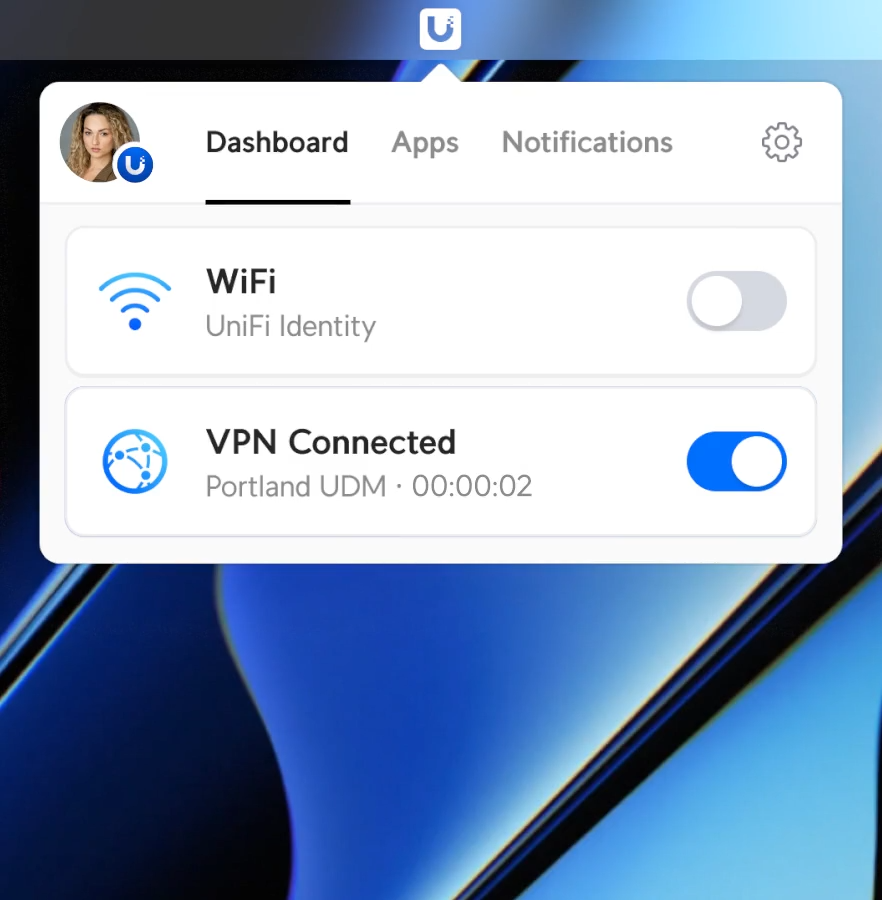
How easy is it to connect? Just one click!
Before heading overseas, users simply install the UniFi Identity app, sign in using their existing Microsoft work account, and they're ready to go.
Whether they're connecting from Sydney, Singapore, London, or Los Angeles, turning on the VPN is as simple as opening the app and clicking connect.
No configuration files. No complicated setup process. No lengthy instructions.
This works just as well on mobile devices as well as laptops.
This means less time spent helping staff get connected and more time focusing on running the business.
Security Without the Fuss
Travelling inevitably means connecting through unfamiliar networks, whether that's hotel Wi-Fi, airport lounges, co-working spaces, or local cafés.
UniFi Identity supports features such as Multi-Factor Authentication (MFA), helping add an extra layer of protection when users connect remotely.
The goal is simple: keep business systems secure without making remote access difficult for staff.
Less Admin, More Flexibility
As your business grows, managing staff access can quickly become another job in itself.
UniFi Identity helps simplify the process by making it easier to grant, adjust, or remove access when needed. Whether you're onboarding a new employee or helping someone work remotely, everything can be managed from one place.
The result is fewer admin headaches, fewer support requests, and a smoother experience for everyone involved.
The Takeaway
If you or your staff regularly travel overseas, secure remote access shouldn't be an afterthought.
A VPN remains one of the best ways to securely access business systems when you're away from the office, but it shouldn't require an IT degree to use.
At Computer Clinic, we're seeing more businesses adopt solutions like UniFi Identity because they simplify remote access, improve security, and reduce the day-to-day management burden.
Because when you're sitting in an airport halfway around the world, the last thing you want to be doing is calling IT because the VPN won't connect.
Heading Away Soon?
Before you pack your bags, make sure your staff can still access what they need without creating extra work.
If you're tired of managing more admin every time someone jumps on a plane, we'd love to help.
Give Computer Clinic a call and let's make remote access one less thing to worry about before you head away