
Are you still holding on to Windows 10? It’s time to let go
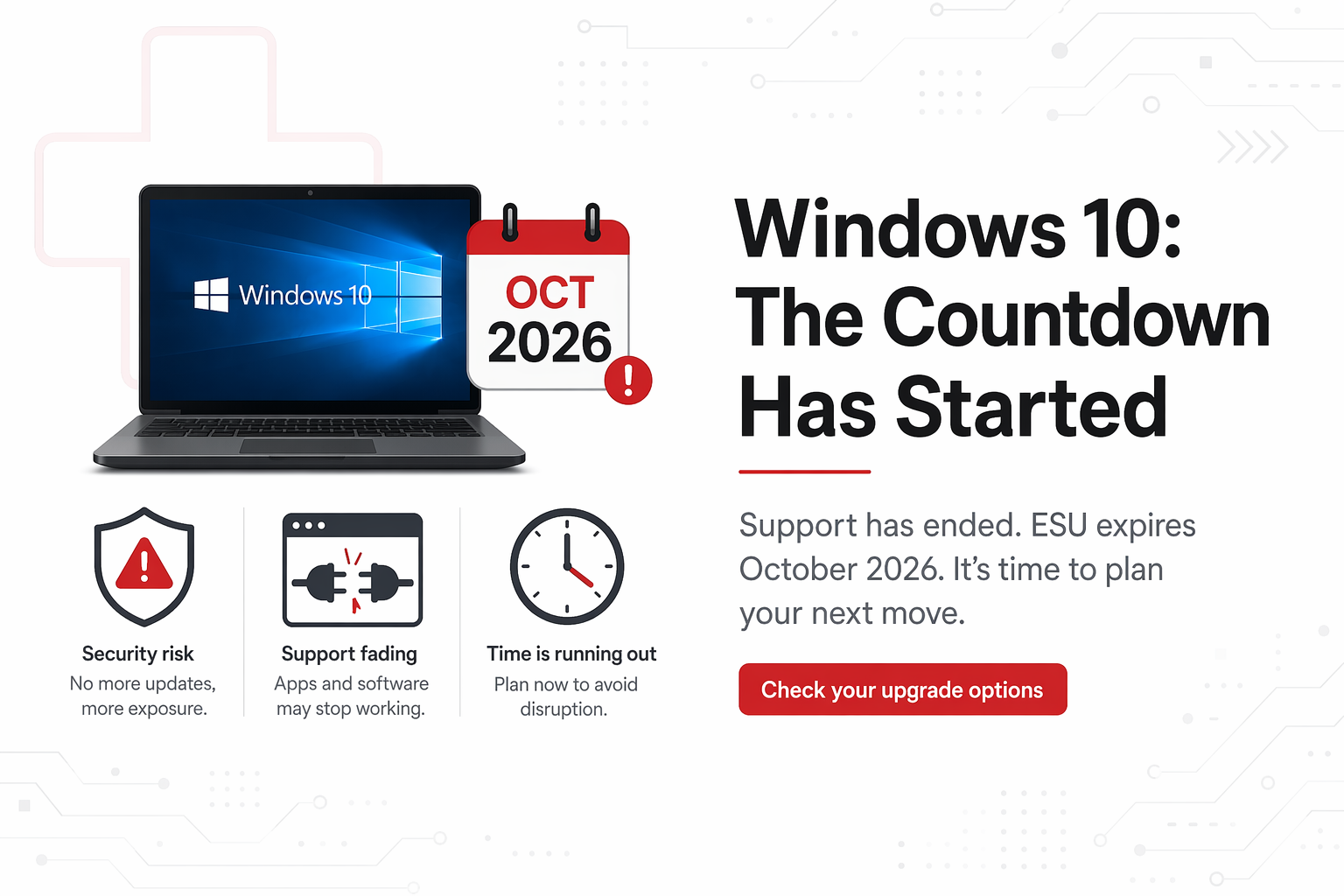
If you're still using Windows 10, you're not alone… but the clock is ticking!
Microsoft officially ended standard support for Windows 10 on 14 October 2025. That means no more regular security updates, bug fixes, or support unless you’ve signed up for the Extended Security Updates (ESU) programme.
For many people, ESU has been a handy way to "buy a bit more time". But with the first year coming to an end in October 2026, it’s time to start thinking about what comes next.
What Was ESU Again?
ESU (Extended Security Updates) was introduced as a short-term safety net.
It gives Windows 10 devices:
Security updates only (to protect against new threats)
No new features or improvements
No general support from Microsoft
For home users, ESU only runs for one year, until 13 October 2026.
For commercial users, you have the option to extend, but be aware the price will double
In simple terms:
ESU helps keep your device safer, but it’s only a short-term fix - and one that will soon run out.
What Happens When ESU Ends?
For home users, that’s it.
You will no longer receive any further security updates - and no option to extend it further.
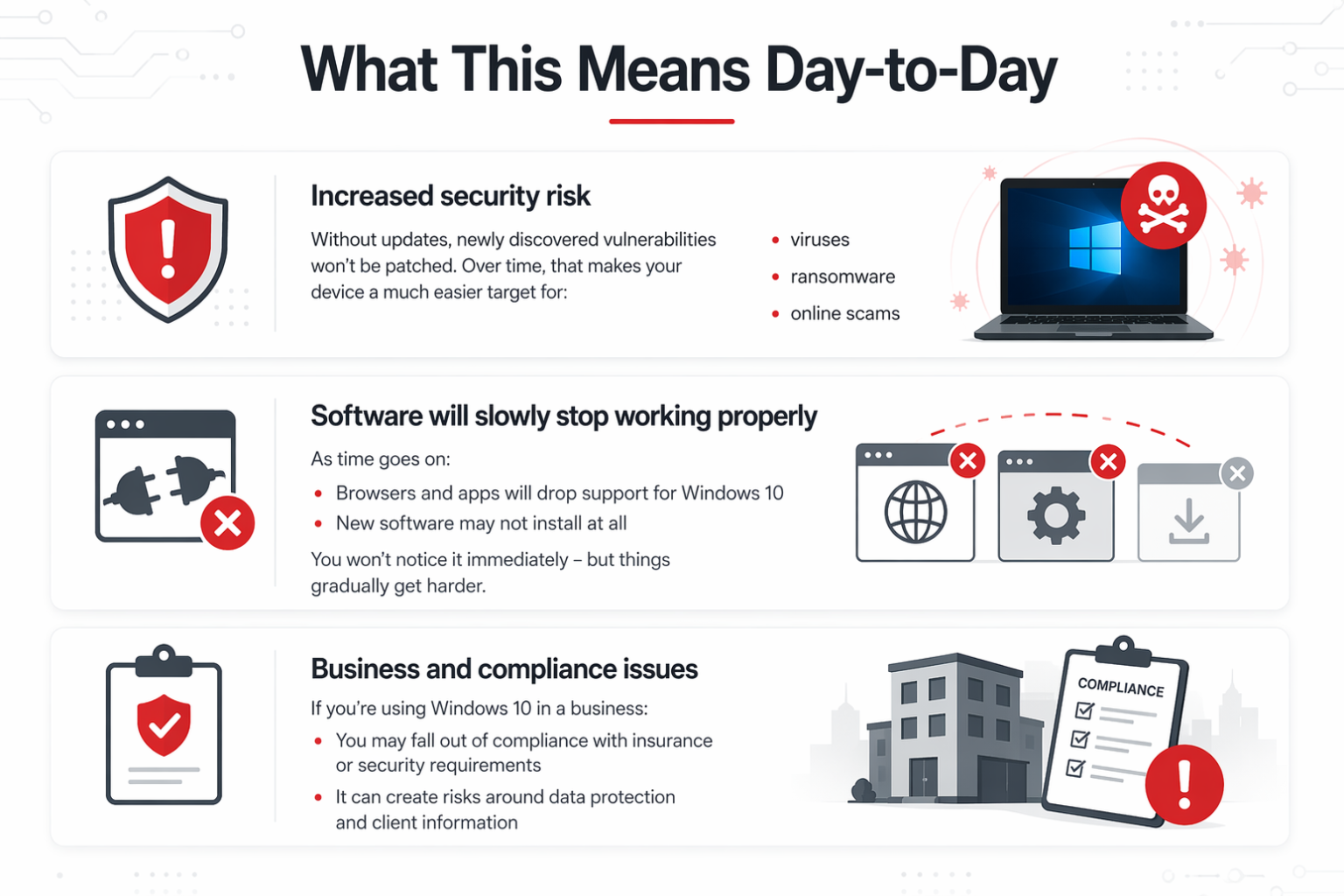
It doesn’t mean that your PC will stop working but it becomes increasingly risky to use. The key point here is that it will still run, but like a rusty lock in the rain, the longer it goes on the easier someone can just pry it open.
For business users, it starts to become a hole in the wallet.
The option to extend into years 2 and 3 is there, but be aware the cost doubles each year.
| Year | Coverage Period | Annual Cost (NZD) | Running Total (NZD) |
|---|---|---|---|
| Year 1 | 15 October 2025 → 13 October 2026 | $105 | $105 |
| Year 2 | 14 October 2026 → 12 October 2027 | $210 | $315 |
| Year 3 | 13 October 2027 → 10 October 2028 | $420 | $735 |
But why is Microsoft doing this?
Microsoft hasn’t designed ESU to be a long-term option.
It’s intentionally:
limited to security updates
time-restricted
not renewable for home users
The goal is clear:
Move people to Windows 11
Encourage replacement of older hardware
Improve overall security standards
A simple way to think about it:
ESU isn’t an upgrade path - it’s a countdown timer.
Your Options From Here
As we get closer to October 2026, there are really only three practical paths forward:
1. Upgrade to Windows 11 (best option)
If your device supports it, this is the easiest and safest choice.
Ongoing updates
Modern security
Better long-term support
2. Replace the device
If your computer doesn’t support Windows 11 (which is common with older machines):
A new device is often the best investment
You’ll get better performance and security
3. Keep using Windows 10 (not recommended)
You can keep using it but:
No security updates
Increasing risk over time
More compatibility issues
Our Recommendation
If you’ve been relying on ESU, now is the time to make a plan.
Don’t wait until the last minute - we’re expecting a bit of a rush closer to the deadline.
We recommend:
Checking which devices can upgrade
Prioritising work and business machines first
Planning replacements for older hardware
Spreading upgrades over time (rather than doing everything at once)
Need a Hand?
If you’re not sure where your devices sit, we’re happy to help.
We can run a quick check and give you a clear, practical plan - no jargon, just straightforward advice on what’s worth upgrading and what’s worth replacing.
Give us a call on 03 390 9192 - or email us at hello@computerclinic.nz